General contractor software that keeps every sub on the same page
Schedule, drawings, RFIs, subcontracts, change orders and billing in one place. Your subcontractors, architects and engineers work from a link, with no account to create.
What slows a GC down
Subs building off an old sheet
A revision goes out by email and half the trades never open it. The wall gets framed from the superseded drawing.
Change orders that never get billed
Extra work is approved on site by a handshake and forgotten by the time the progress invoice goes out.
A schedule nobody updates
The Gantt is right on day one and wrong by week three, because nobody tells the office when a trade slips.
What general contractors use most
Gantt and 3-week lookahead
Critical path, baselines, ready or blocked tasks, weekly promises and percent kept. Import and export MS Project and Primavera P6.
Learn more →Drawing log and RFIs
Current revision by discipline, superseded sheets stamped "do not build", read receipts, pins on plans, RFIs and submittals.
Learn more →Subcontract tenders
Tenders per package, AI comparison of the bids received, award that creates the contract, then billed, paid, held back and remaining.
Learn more →Change orders and lien waivers
Change orders signed on site or by link. A payment to a sub without a lien waiver asks for confirmation.
Learn more →AIA G702/G703 and retainage
Progress invoices with holdback (retainage), AIA payment applications and taxes per province or state.
Learn more →Cost to complete
Budget, commitments, spent and remaining per package, earned value and a breakdown of every amount.
Learn more →
Your partners work from a link
Architects, engineers, subcontractors and suppliers get a personal, expiring link to a partner portal: to-do list, plans, RFIs, submittals, files, messages and calendar. Up to 10 people per invited firm.
When you move a phase on the Gantt, the subs involved receive a confirmation request by link, and the schedule updates live when they confirm.
A typical job for a GC
Bid
Take off the plans, send subcontract tenders per package, compare the bids and build your price with every source shown.
Contract and schedule
The owner signs online. The project is created with phases per trade, a budget and tasks, and subs confirm their dates by link.
Build
Daily logs, photos, RFIs, submittals, punch lists and change orders, all filed by project and by date.
Bill and close
Progress invoices or AIA payment applications with retainage, then a close-out checklist and a turnover binder in PDF.
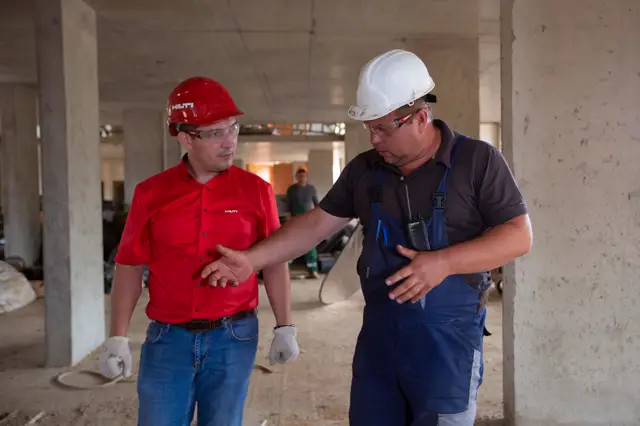
Built for people who run sites



Real screens from the app
A demo company in SubmitX: the dashboard, a job's live budget, a schedule that recalculates after a change order, site photos and the 3-week lookahead.
General contractor questions
Can I import my schedule from MS Project or Primavera P6?
Yes. SubmitX imports Microsoft Project (.xml), Primavera P6 (.xer) and Excel with a preview and undo, and exports back to PDF, Excel, MS Project and P6.
Does it produce AIA G702/G703 payment applications?
Yes. AIA G702/G703 payment applications are available, along with progress invoices with holdback (retainage).
Do my subcontractors need a SubmitX account?
No. They get a personal, expiring and revocable link to a partner portal with plans, RFIs, submittals, files and messages.
Can it handle certified payroll for public jobs?
SubmitX produces the Davis-Bacon certified payroll report WH-347. Payroll calculation itself covers Canadian provinces; for US payroll, approved hours export to Gusto, ADP or CSV.
How does it compare to Procore or Buildertrend?
See our side-by-side pages: SubmitX vs Procore and SubmitX vs Buildertrend.
Run your next job in one place
Bring a real set of plans. We will take it from bid to schedule in the demo.
Book a demo →